Jeetbuzz Registration, Login and Verification Process

Welcome to Jeetbuzz, where creating your gaming profile takes just minutes. Registration opens the door to sports betting, casino games, live dealers, and exclusive promotions tailored for players in India. The platform keeps login simple—use your credentials on any device, and your bets, balances, and bonuses stay synced. Verification protects your funds and guarantees smooth withdrawals, so you can play with confidence. Both the website and mobile app offer the same straightforward process, and support is ready if you need help. New players can claim up to ₹1,60,000 in welcome bonuses once they complete the sign-up and deposit steps.

Welcome bonus up to

₹1,60,000

Jeetbuzz registration, login and verification interface for sports betting and casino gaming in India

Jeetbuzz Sign Up Instructions

Signing up on the platform takes a few moments and requires basic personal details. Follow these steps to create your profile:

Step 1

Open the Registration Form

Click the button below to launch the sign-up page on this site.
Step 2

Choose Your Registration Method

Select one-click registration, mobile number sign-up, email registration, or social login (Google, Facebook, Telegram).

Step 3

Enter Your Details

Provide your mobile number or email, create a strong password, select Indian Rupees as your currency, and enter a promo code if you have one.

Step 4

Confirm and Complete

Accept the terms and conditions, then click the final button to create your profile.

Step 5

Log In

Use your credentials to access your new gaming profile immediately.

Sign up

Registration via Mobile App Jeetbuzz

The mobile app offers the same registration options as the website, with a layout optimised for smaller screens. Once you have installed the app, follow these steps:

Step 1

Launch the App

Open the application on your Android or iOS device.

Step 2

Tap the Registration Button

Select “Register” or “Sign Up” from the home screen.

Step 3

Choose Your Method

Pick one-click, mobile number, email, or social login (Google, Facebook, Telegram).

Step 4

Fill in Your Information

Enter your mobile number or email, set a password, choose Indian Rupees, and add a promo code if available.

Step 5

Finish and Log In

Confirm the terms, complete the form, and sign in to start playing.

Register Jeetbuzz

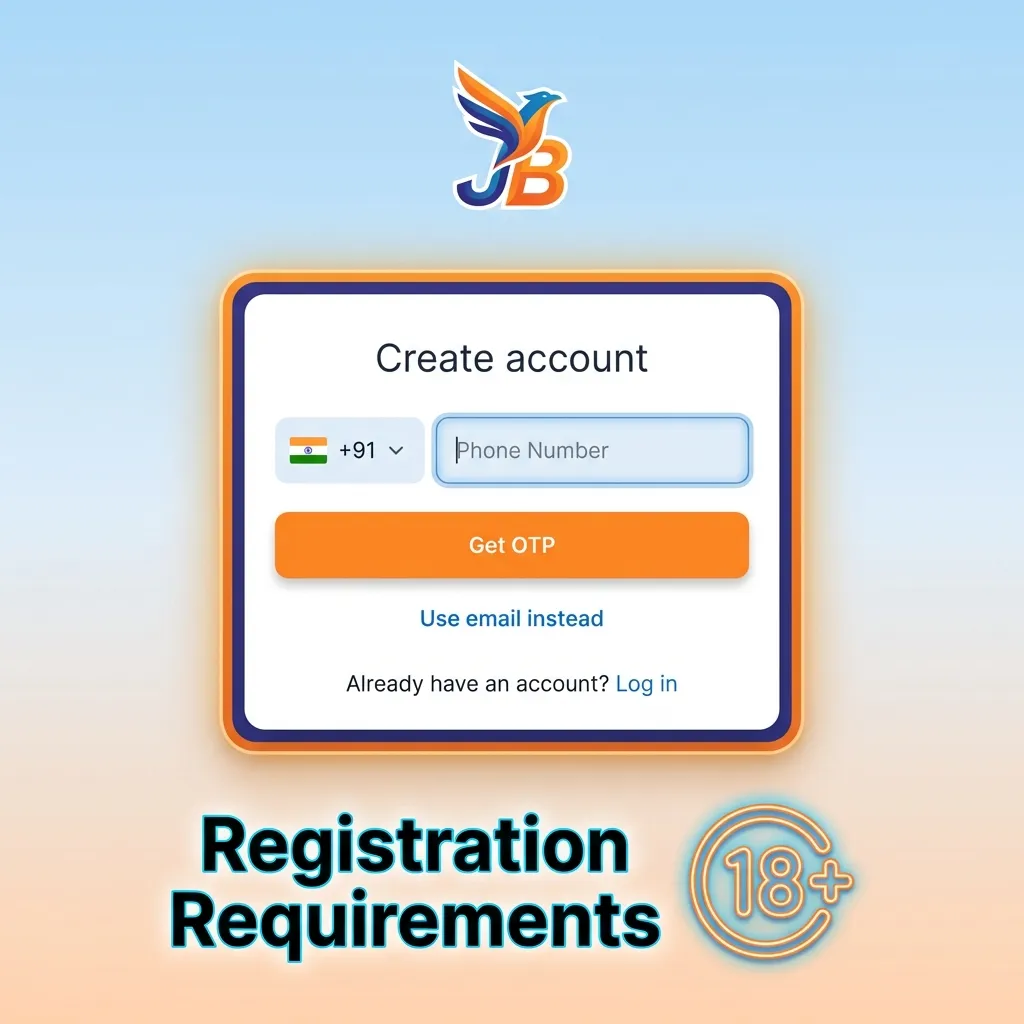
Registration Requirements

Before you register online, make sure you meet the platform’s basic rules. These requirements protect both you and the platform, ensuring a safe gaming environment. Here are the key conditions:

  1. You must be at least 18 years old to create a profile and place bets.
  2. Only one profile per person is allowed—duplicate registrations will be blocked.
  3. You need a valid mobile number or email address for verification and password recovery.
  4. You must provide accurate personal details that match your government-issued ID.
  5. You agree to complete identity verification when requested, usually before your first withdrawal.
Online betting registration rules: age 18+, one account per person, valid contact info, accurate ID details required

Jeetbuzz Account Verification Process

Verification confirms your identity and enables full access to withdrawals and higher limits. Indian users benefit from faster payouts and enhanced security once this step is complete. The platform may request documents at any time, but most players verify before their first cash-out. Here are the typical stages:

Step 1

Email or Mobile Confirmation

Check your inbox or SMS for a confirmation link or code, then click or enter it on the site.

Step 2

Upload Identity Documents

Submit a clear photo of your Aadhaar card, PAN card, passport, or driver’s licence through your profile settings.

Step 3

Proof of Address

Provide a recent utility bill, bank statement, or government document showing your name and residential address.

Step 4

Selfie Verification (If Required)

Take a photo of yourself holding your ID document next to your face for additional security.

Step 5

Wait for Approval

The support team reviews your documents within 24–72 hours and notifies you once your profile is fully verified.

Login to Jeetbuzz Account

Once you have registered, logging in lets you access your bets, bonuses, and balance from any device. The process matches the method you chose during sign-up:

Step 1

Open the Login Page

Click the button below to reach the sign-in form on this website.

Step 2

Enter Your Credentials

Type your registered mobile number or email address, then add your password. If you used social login, tap the relevant icon (Google, Facebook, Telegram).

Step 3

Click Sign In

Press the login button to access your profile and start playing.

Welcome Bonus After Registration

New players on the platform can claim generous welcome offers for both casino and sports betting. The total package reaches up to ₹1,60,000, split between your first deposits. Here’s how the structure works:

Bonus Type Amount Minimum Deposit Wagering Requirement
Casino Welcome Bonus Up to ₹80,000 ₹500 35x bonus amount
Sports Welcome Bonus Up to ₹80,000 ₹500 10x bonus amount

You can claim one or both offers depending on your preferred games. Casino bonuses apply to slots and table games, while sports bonuses cover cricket, football, tennis, and other markets.

Get a bonus
Welcome bonus structure showing casino and sports betting offers up to ₹1,60,000 for new players with deposit requirements

Learn How to Get a Welcome Bonus

Claiming your welcome offer is simple once you have created and verified your profile. Follow these steps:

Step 1

Complete Registration

Finish the sign-up process and confirm your email or mobile number.

Step 2

Make Your First Deposit

Go to the cashier section, choose your payment method (UPI, Paytm, bank transfer, or e-wallet), and deposit at least ₹500.

Step 3

Activate the Bonus

The platform usually credits the bonus automatically. If not, enter the promo code in the deposit form or contact support to enable the offer.

Step 4

Start Playing

Use your bonus funds on eligible games or bets, and meet the wagering requirements before requesting a withdrawal.

Potential Issues when Registering an Account

Most sign-ups complete without problems, but you might encounter occasional errors. Here are common issues and how to solve them:

  • Problem: Registration button does not respond | Solution: Clear your browser cache, switch to a different browser, or try the mobile app instead.
  • Problem: “Mobile number already in use” error | Solution: You may have created a profile earlier. Use the password recovery option or contact support to retrieve your login details.
  • Problem: Verification email or SMS does not arrive | Solution: Check your spam folder, wait a few minutes, or request a new code through the sign-in page.
  • Problem: “Invalid promo code” message during sign-up | Solution: Double-check the code for typos, confirm it is still active, or proceed without a code and claim bonuses later.
  • Problem: Registration form rejects your documents | Solution: Ensure photos are clear, not cropped, and show all four corners of the document. Contact support if the issue persists.
Troubleshooting guide showing common account registration errors and solutions for sign-up problems.

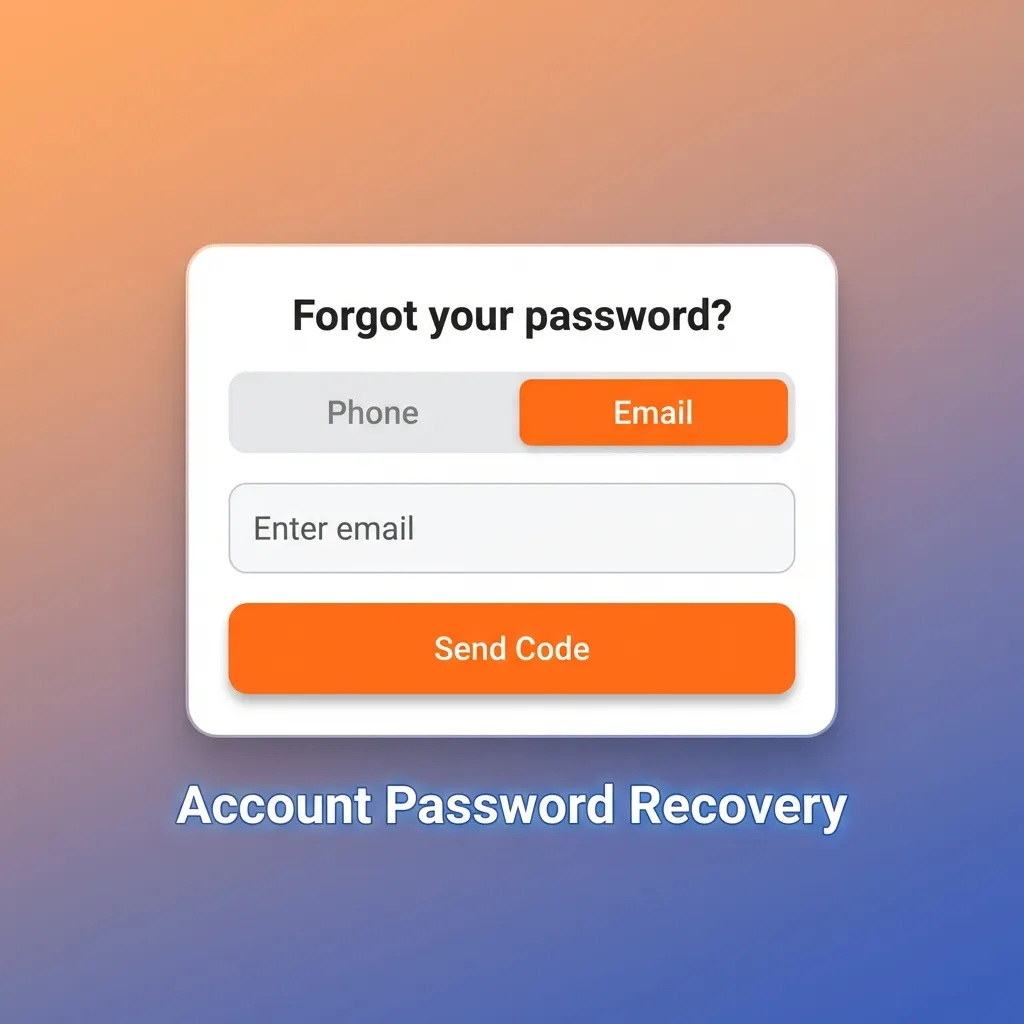
Account Password Recovery

If you forget your password, you can reset it in a few steps. The platform supports recovery via email or SMS:

  1. Go to the login page and click “Forgot Password” or “Reset Password.”
  2. Enter the email address or mobile number you used during registration.
  3. Check your inbox or messages for a recovery link or verification code.
  4. Click the link or enter the code on the password reset page.
  5. Create a new password, confirm it, and log in with your updated credentials.
User resetting account password via email or SMS verification on login screen

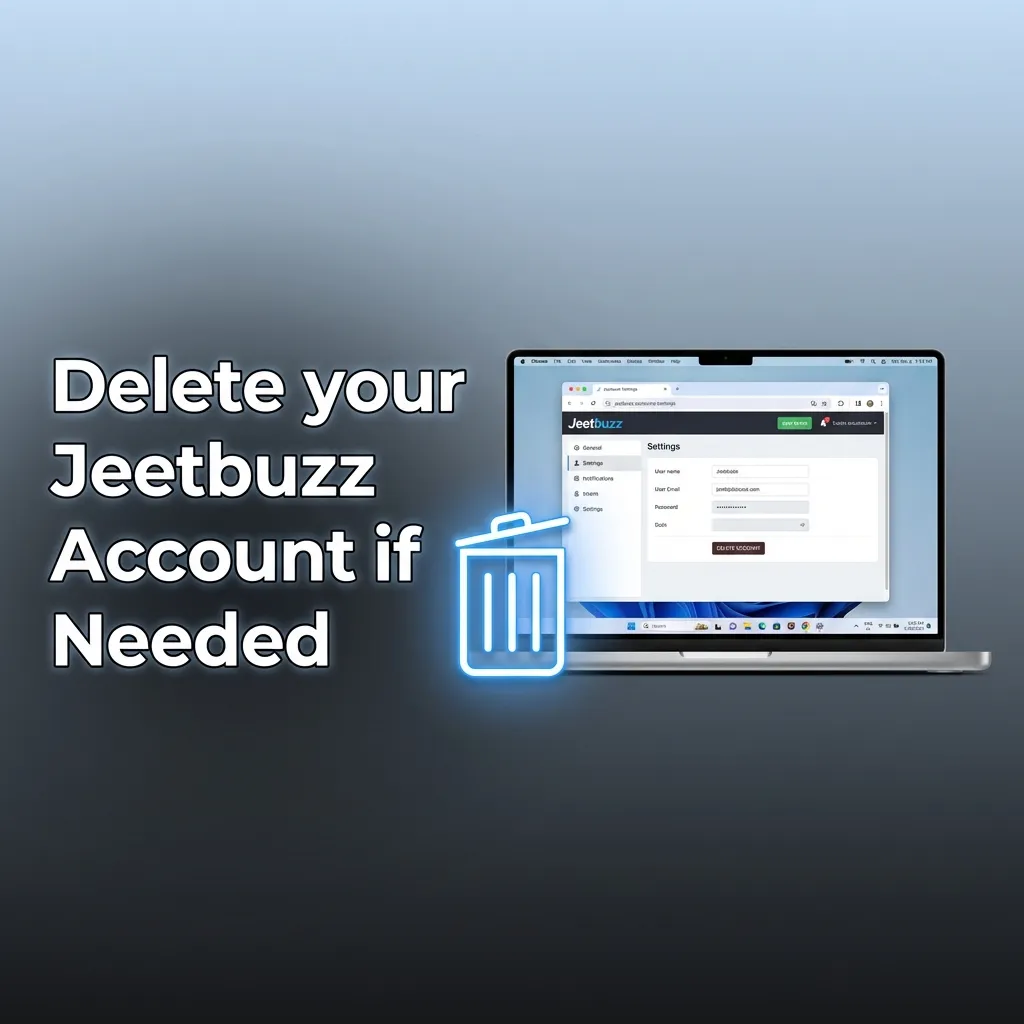
Delete your Jeetbuzz Account if Needed

You can close your profile if you decide to stop using the platform. Common reasons include responsible gambling, a break from betting, or personal preference. Here’s how to proceed:

  1. Log in to your profile and navigate to account settings or the support section.
  2. Look for “Close Account,” “Delete Profile,” or “Self-Exclusion” options.
  3. Withdraw any remaining balance before submitting the request, as closed profiles cannot access funds.
  4. Contact customer support if the option is not visible, and ask them to process the deletion manually.
Guide showing how to delete a Jeetbuzz betting account through settings or customer support for responsible gambling.

FAQ

How long does verification take after I submit my documents?

Most verifications complete within 24 to 72 hours. You will receive an email or SMS notification once your documents are approved.

Can I register if I already have a profile on a sister site?

You must create a separate profile for this platform. Accounts are not shared across different brands, even if they operate in the same network.

Do I need to verify my profile before making a deposit?

You can deposit without verification, but you must complete the process before requesting your first withdrawal.

What should I do if my password reset email never arrives?

Check your spam folder, wait a few minutes, and try resending the code. If the issue continues, contact customer support with your registered details.

Can I change my registered mobile number or email later?

You can update your contact details through account settings or by reaching out to support. You may need to verify the new number or address before the change is approved.

Updated: